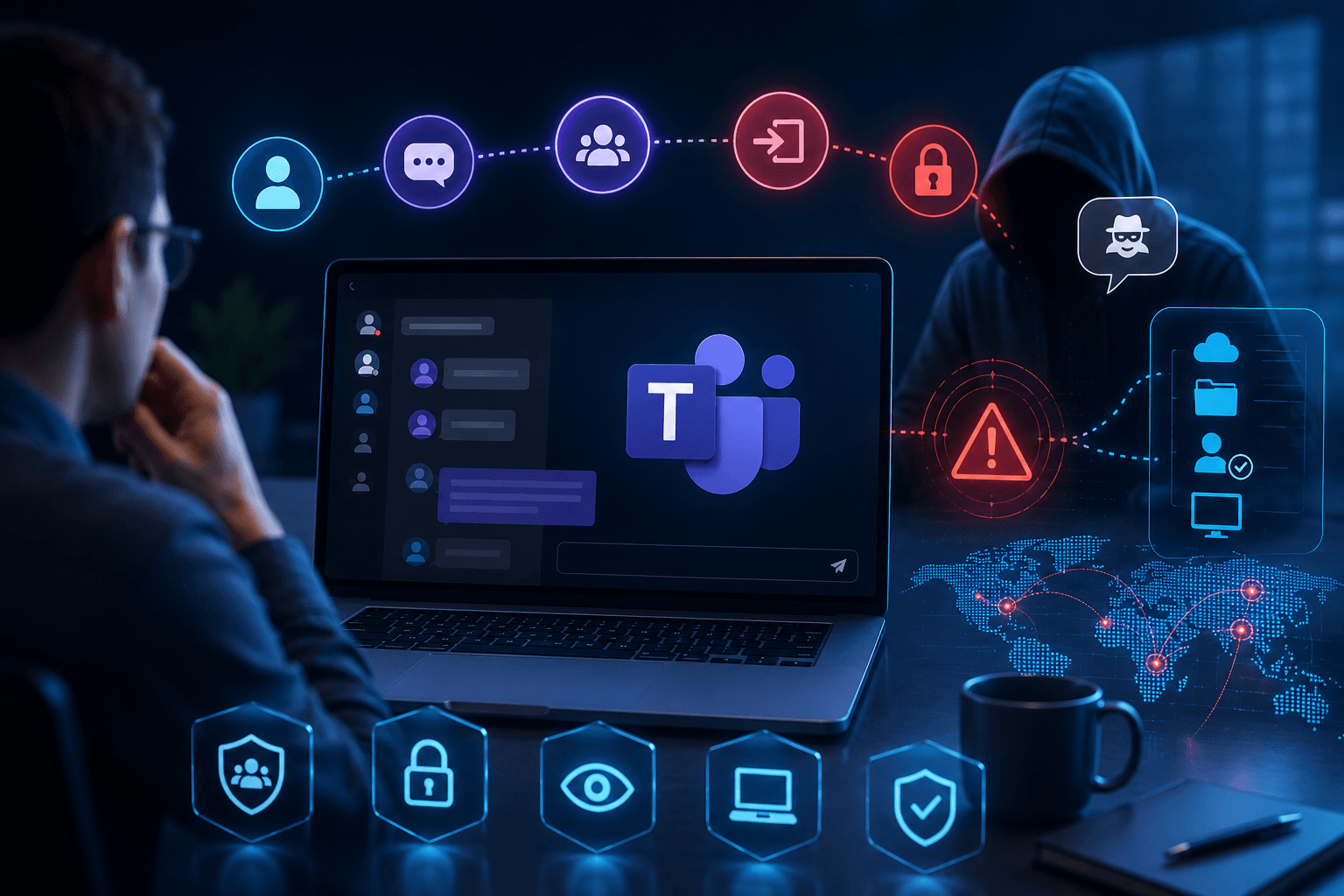
Microsoft Teams phishing simulationfor chat-based attacks.
Attackers exploit trust in Teams with helpdesk impersonation and real-time social engineering. Test employee readiness and build verification habits with realistic Teams scenarios.
The same employee. A different attack surface.
A trusted communication platform does not make every message trustworthy.
Email phishing
Teams phishing
- Often treated as an external messageContextAppears inside a trusted collaboration environment
- Users may expect suspicious emailExpectationUsers may have higher trust in workplace chats
- Email security controls are familiarControlsCollaboration-based social engineering can be overlooked
- Often uses email-based urgencyUrgencyCan exploit real-time conversations
- Sender may be unfamiliarSenderAttacker may impersonate a colleague or known contact
Teams phishing covers all 5 areas.
Request a ConsultationCore features that strengthen human resilience.
- 01
Real-Time Chat Simulation
Simulate realistic Teams conversations that mirror actual attacker behavior.
- 02
Behavioral Analytics
Measure verification behavior, risk patterns, reporting habits, and user responses during Teams-based attacks.
- 03
Reporting & Risk Insights
Identify vulnerable users, departments, and workflows exposed to collaboration-based threats.
- 04
Fully Customizable
Create and deploy Teams simulations aligned with your organization's workflows, departments, and business processes.
Simulate threats employees actually encounter.
IT Support Impersonation
Attackers posing as Helpdesk, Service Desk, or IT Operations personnel.
Account Security Notifications
Fake alerts claiming account compromise, login issues, or security problems.
Password Reset Requests
Social engineering attacks designed to collect credentials or bypass MFA.
Microsoft 365 Alerts
Messages requesting immediate account validation or access approval.
Remote Assistance Requests
Attempts to convince users to launch remote support tools or grant screen access.
Executive Escalation Requests
Authority-based attacks leveraging urgency and trust, and campaigns targeting key personnel.
Simulate. Measure. Reinforce.
Evaluate employee readiness against chat-based phishing and social engineering through controlled simulation campaigns.
PhishPrep · Select Scenarios
01 / 04Teams scenario library
Sample data- IT Support ImpersonationHelpdeskHigh
- Password Reset RequestCredentialsHigh
- Microsoft 365 AlertAccountMedium
- Remote Assistance RequestScreen shareHigh
- Executive EscalationAuthorityMedium
Campaign: IT Helpdesk impersonation
LiveTargeted users
852
Chats delivered
604
Randomized in waves
Time window
5 days
Delivery by group
- Finance & Procurement100%
- IT Operations72%
- Sales38%
- Executive Leadership0%
Next wave: Executive Leadership · tomorrow 09:30
Behavior analysis
Sample data- Opened chat71%
- Replied to attacker24%
- Clicked link14%
- Shared code / credentials6%
- Verified & reported38%
Highest-risk department
Sales · 11% shared codes
Median time to report
6 min
Training & retest
Sample dataCoaching assigned
112
Auto, after risky action
Completed
87%
Retest pass rate
91%
- A. KumarSalesCompletedPassed
- M. ChenFinanceCompletedScheduled
- L. BrooksSalesIn progress—
- R. IyerITAssigned—
Microsoft Teams phishing simulation uses controlled, realistic scenarios to test how employees respond to suspicious messages, links, files and social-engineering attempts within Teams.
Employees may apply different levels of caution to collaboration messages than they do to email. Teams simulations help organizations test and strengthen those behaviors in the environment where employees communicate every day.
Scenarios can include impersonation, fake IT support, urgent requests, suspicious links, document-sharing requests, account verification and other social-engineering situations.
Yes. Regular simulation campaigns help employees develop verification habits and become more resilient to collaboration-based phishing attacks.
Yes. Campaign results can be used to understand employee interactions, reporting behavior, response patterns and repeat-risk users.
PhishPrep can connect simulation outcomes with targeted awareness and training, helping employees understand risky actions and improve their response.
Yes. Recurring simulations can be used to continuously test, reinforce and measure employee awareness rather than relying on a single annual campaign.
Yes. Organizations can build custom conversation flows that mirror their internal processes, communication styles, and business applications.
Ready to test your Teams phishing resilience?
Don't assume your employees will recognize a suspicious Teams message. Test it. Measure it. Improve it.