Test your workforce againstQR code phishing attacks.
QR codes are everywhere. Attackers are using them too. Safely simulate QR code phishing and measure whether employees scan, verify and report.
The destination may not be.
Employees have learned to be cautious with suspicious links. A QR code changes the interaction: they scan an image on their mobile device, often without knowing where it will take them.
Attackers can use QR codes in
- Emails and newsletters
- PDF documents
- Microsoft Word documents
- Meeting invitations
- Account verification messages
- MFA and password-reset lures
- Delivery and payment notifications
- Internal-looking communications
PhishPrep turns this emerging threat into a measurable security behavior test.
Everything you need to test QR code behavior.
Realistic QR Code Simulations
Create phishing scenarios containing QR codes that mirror the lures employees may encounter in real-world attacks.
Credential Phishing Scenarios
Test whether employees recognize QR codes that lead to fake Microsoft 365, SSO, banking, or document-sharing login pages.
Mobile-Based Attack Simulation
Measure behavior when employees move from their corporate computer to a mobile device to scan a QR code.
Trusted Brand Impersonation
Use familiar services, brands, and business scenarios to test whether employees verify before scanning.
Urgency & Social Engineering
Simulate password expiration, MFA verification, document access, payments, deliveries, or urgent account actions.
Behavioral Analytics
Track employee interaction with QRishing simulations and identify recurring risky behaviors.
Targeted Awareness Training
Deliver relevant awareness intervention based on employee behavior rather than another generic course.
Campaign Automation
Run recurring QRishing simulations to continuously measure and reinforce employee awareness.
Lures employees actually see.
- Lure 01“Scan the QR code to verify your account and avoid losing access.”
Microsoft 365 Password Is Expiring
- Lure 02“Scan the QR code to complete your security verification.”
MFA Verification Required
- Lure 03“Scan the QR code to confirm a recent business transaction.”
Payment Confirmation Required
- Lure 04“Scan to reschedule your delivery or confirm your address.”
Package Delivery Update
- Lure 05“Scan the QR code to register for an event.”
Events / Meeting Registration
- Lure 06“QR codes embedded in messages that appear to come from inside the organization.”
Internal-Looking Communications
Awareness shouldn't end when a campaign ends.
QRishing isn't about teaching employees to fear every QR code. It's about building the habit to pause, verify and think before scanning.
PhishPrep · Simulate
01 / 05Campaign: M365 password expiry
RunningLure preview · email
Your password expires today
Recipients
1,340
Delivered in
Email · PDF
Waves
3
Randomized
Unique QR codes
1,340
Per-user tracking
Scan behavior
Sample data- Opened message76%
- Scanned QR code31%
- Opened landing page24%
- Submitted credentials8%
- Reported35%
Scanned on mobile
92%
Off corporate controls
Top lure
MFA
Time to report
7 min
Targeted awareness
Sample dataLessons assigned
415
Only to scanners
Completed
86%
Avg. length
3 min
Lesson: Pause before you scan
- Check who really sent the QR code
- Preview the link before opening it
- Never sign in from a scanned code
- Report it with one tap
Reinforcement schedule
Sample data- Week 2Reminder: QR codes in PDFsSent
- Week 4Delivery-notification QR lureScheduled
- Week 6Event registration QR lureScheduled
- Week 8Internal-looking QR noticePlanned
Retest results
Sample dataQR codes scanned
Reported (higher is better)
Questions about
QRishing simulation
Find quick answers, or talk to our team.
Request a ConsultationQRishing, also called quishing, is a form of phishing that uses malicious QR codes to direct users to phishing websites or other harmful content.
QR codes can move an interaction from an organization's email environment to a mobile device, where users may have less visibility into the destination before opening it.
Simulated QR codes can be incorporated into realistic phishing scenarios such as emails, PDF documents, and other communications.
Organizations can measure interaction, link engagement, information submission, reporting behavior, response time, and repeat risky behavior.
Yes. Recurring simulations can be used to measure whether employee behavior improves over time rather than treating QRishing awareness as a one-time exercise.
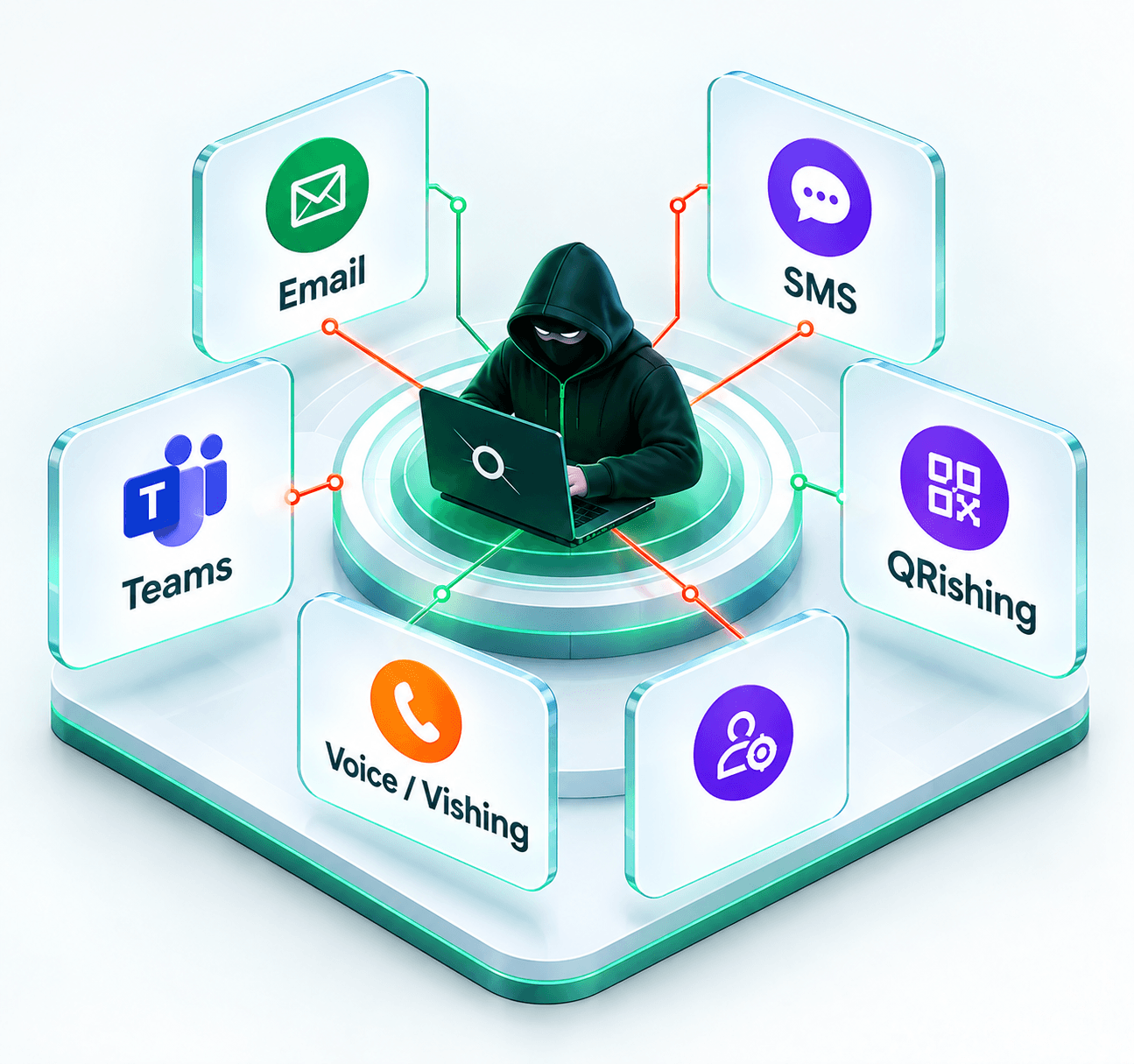
Yes. QRishing can be incorporated into a broader phishing-resilience program alongside email, SMS, Microsoft Teams, voice and other social-engineering simulations.
Don't assume your employees will recognize a malicious QR code.
Build QRishing resilience across your workforce. Simulate it. Measure it. Reinforce it. Retest it.