
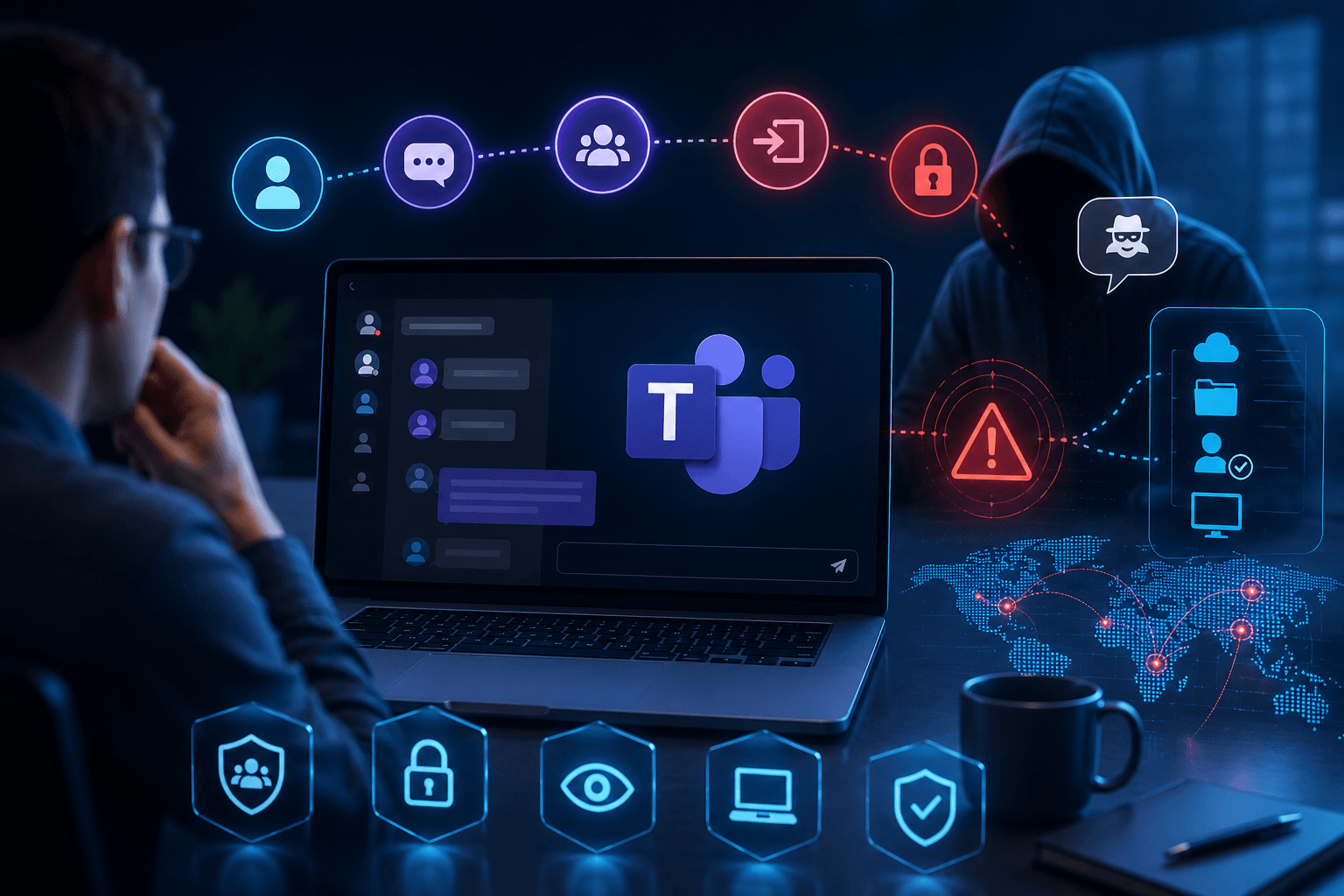
Microsoft Teams Attacks Are Rising — And Most Security Programs Aren’t Ready
Attackers are quietly moving from email into Microsoft Teams, impersonating IT support to get a foothold inside enterprise environments. Here's how the attack chain works, why traditional defenses miss it, and the five-step plan to close the gap.
For years, email was the primary delivery mechanism for phishing and social engineering. As organizations hardened email defenses and trained users to spot suspicious links, attackers didn't disappear — they moved to the platform where trust is highest and monitoring is thinnest: Microsoft Teams.
Across industries, security teams are now reporting a steady rise in Teams-based impersonation, phishing, and social-engineering attacks that rely less on malware and more on real-time human interaction.
Why Microsoft Teams Has Become an Attractive Attack Surface
Microsoft Teams is now deeply embedded in daily business workflows — for many employees, it has effectively replaced email for internal communication. Attackers are exploiting four specific characteristics of the platform:
- High inherent trust — messages are often assumed legitimate, especially when they appear to come from an “internal” user.
- Real-time interaction — unlike email, Teams lets an attacker guide a victim step by step, reducing hesitation before it can set in.
- Cross-tenant and external access — many tenants still allow messages from external domains, which is all an attacker needs for initial contact.
- Lower security maturity — email security is mature and heavily instrumented; Teams protections are still evolving.
Threat intelligence from Microsoft and multiple security vendors confirms adversaries are increasingly using Teams to impersonate IT help desks, service desks, and internal support roles to gain access to enterprise environments.
How Microsoft Teams Attacks Typically Work
Most observed attacks follow a familiar pattern—just through a new channel.
1. Initial Contact via Teams
Attackers initiate a chat from an external tenant or compromised account, often displaying a name like “IT Support” or “Help Desk.”
The message typically claims to address:
- Account issues
- Security alerts
- Email delivery problems
- Required updates
Because Teams is perceived as an internal channel, users are more likely to engage.
2. Guided Social Engineering
Once the user responds, the attacker moves away from links and attachments and toward interactive persuasion.
Common tactics include:
- Requesting the user to start a remote support session (for example, using built‑in tools like Quick Assist)
- Directing users to SharePoint or cloud‑hosted files
- Asking users to approve access or sign in “to fix the issue”
Crucially, many of these actions are user‑approved, meaning traditional security controls may not trigger alerts.
Why this defeats standard controls
Many of these actions are user-approved. To an EDR or SIEM, it looks like a person clicking “allow” — not an attack.
3. Privilege Expansion and Lateral Movement
After gaining a foothold, attackers often:
- Perform reconnaissance
- Deploy payloads using trusted system tools
- Move laterally to higher‑value systems
- Exfiltrate sensitive data or prepare ransomware deployment
The initial Teams interaction does not look malicious on its own—but it enables a much larger compromise.
Why Traditional Defences Often Don’t Stop Teams Attacks
Many organisations discover Teams‑based attacks only after investigation—because:
- Email gateways don’t see them
- Endpoint protection sees approved activity
- Logs look like normal collaboration
- Users don’t report suspicious chats consistently
In short, controls designed for email don’t translate cleanly to collaboration platforms.
This has prompted Microsoft itself to introduce new Teams‑specific protections, including impersonation warnings, suspicious‑user reporting, and enhanced administrative visibility rolling out through 2025 and 2026, detailed in its official Teams security guide.
How Organisations Should Prepare for Teams‑Based Attacks
Preparing for this shift requires a mix of configuration hardening, process changes, and human readiness testing.
1. Re‑evaluate External Access in Teams
Many organisations allow external Teams messages by default.
Ask:
- Do we need open external messaging?
- Can we restrict it to approved domains?
- Can only internal users initiate chats?
Reducing unnecessary exposure eliminates a large portion of risk.
2. Harden Identity and Remote Access Controls
Because Teams attacks often rely on user‑approved actions:
- Enforce phishing‑resistant MFA where possible
- Restrict who can initiate remote support sessions
- Monitor for abnormal Quick Assist and screen‑sharing activity
3. Treat Teams Messages as Untrusted by Default
Security guidance increasingly recommends:
- Treating external Teams messages like external emails
- Training users to validate requests—even in real‑time chats
- Reinforcing that IT support does not request credentials or ad‑hoc access via chat
This is a mindset shift for many employees.
4. Prepare Users for Impersonation, Not Links
Most security awareness still focuses on emails and URLs.
Teams‑based attacks require preparing users to:
- Question unexpected support requests
- Slow down when faced with urgency
- Verify identity through out‑of‑band methods
These attacks succeed because they feel helpful, not suspicious.
5. Test Readiness with Realistic Teams‑Based Simulations
One of the biggest gaps today is lack of testing.
Many organisations have:
- Email phishing simulations
- No simulation for chat‑based impersonation
- No way to assess Teams readiness
Testing Teams‑based scenarios allows organisations to:
- Identify procedural gaps
- Measure real behaviour under pressure
- Improve escalation and verification workflows
This mirrors how attackers operate—and how regulators increasingly expect controls to be validated.
See how your team responds to a Teams impersonation attempt
PhishPrep runs realistic simulations that mirror how attackers impersonate IT support over chat — so you can measure real behavior, not just click rates.
Book a walkthrough →Frequently Asked Questions
1. Why are attackers targeting Microsoft Teams instead of email?
Teams messages carry high inherent trust because they appear to come from internal users, allow real-time guided interaction that reduces hesitation, and often permit external-tenant contact — while monitoring for the platform is still maturing compared to email.
2. What does a typical Microsoft Teams impersonation attack look like?
An attacker opens a chat posing as “IT Support,” claims there’s an account or security issue, then guides the victim to approve a remote session or sign in to “fix” the problem — actions that look legitimate to standard security tools because the user approves them.
3. Can email security tools detect Teams-based phishing?
No. Email gateways don’t inspect Teams traffic, endpoint tools see user-approved activity as normal, and the resulting logs resemble ordinary collaboration — which is why these attacks often surface only after deeper investigation.
4. How can organizations test their readiness against Teams-based attacks?
By running realistic chat-based impersonation simulations — the same way email phishing simulations work today — to measure how employees actually respond to an unexpected “IT Support” message and identify gaps in verification and escalation.
Attackers haven’t abandoned phishing—they’ve expanded it.
As collaboration platforms become central to daily work, they become high‑value social‑engineering surfaces. The shift from “click a link” to “have a conversation” makes these attacks harder to detect and far more effective.
Organisations that continue to focus exclusively on email‑based threats will miss this growing blind spot.
Preparation is no longer just about blocking messages—it’s about proving that people and processes respond safely inside trusted collaboration tools.
Ready to test your organization’s Teams readiness?
PhishPrep helps you find human-risk gaps before attackers do — with simulations built around real attacker behavior, not just link-clicking.
Request a demo →